

- Add your LLM details in app.slng.ai/byok-models
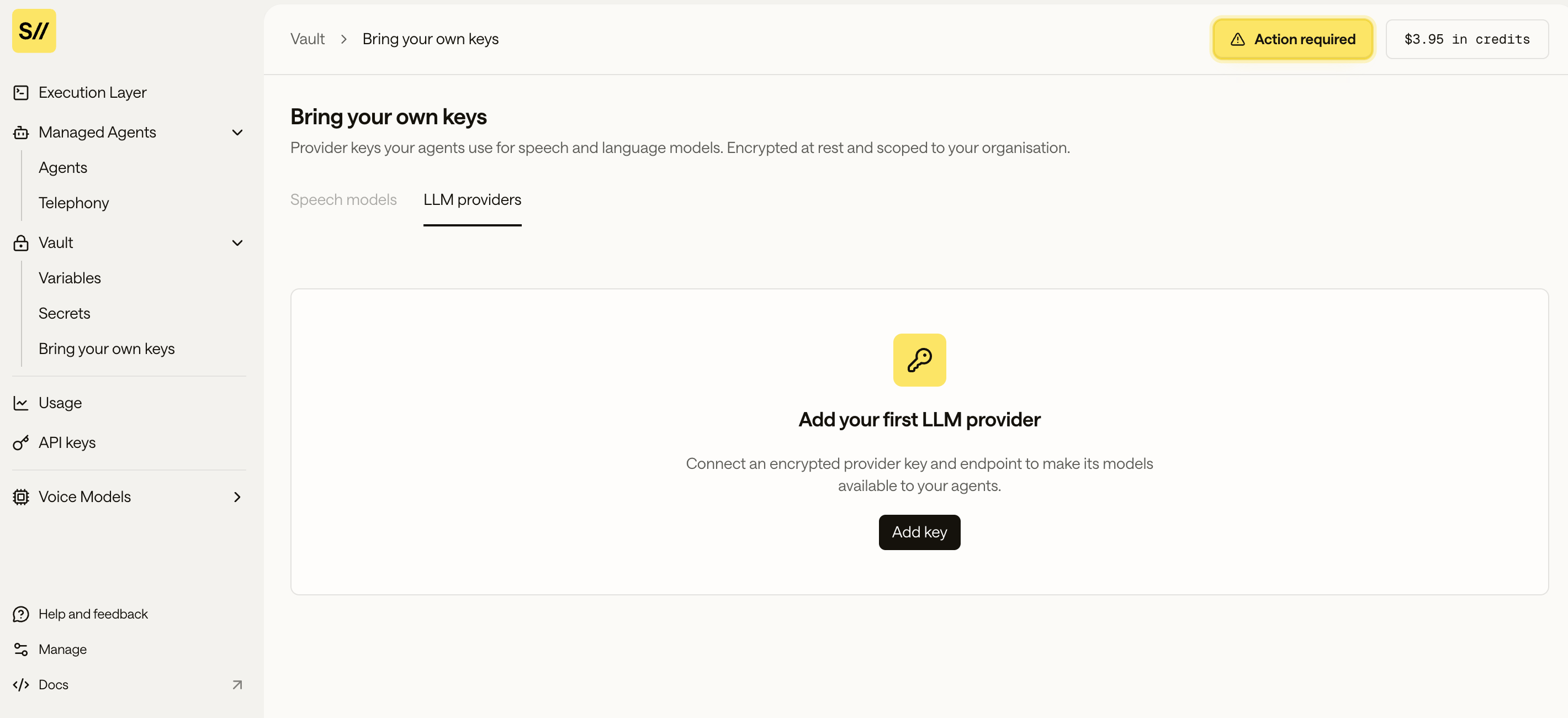
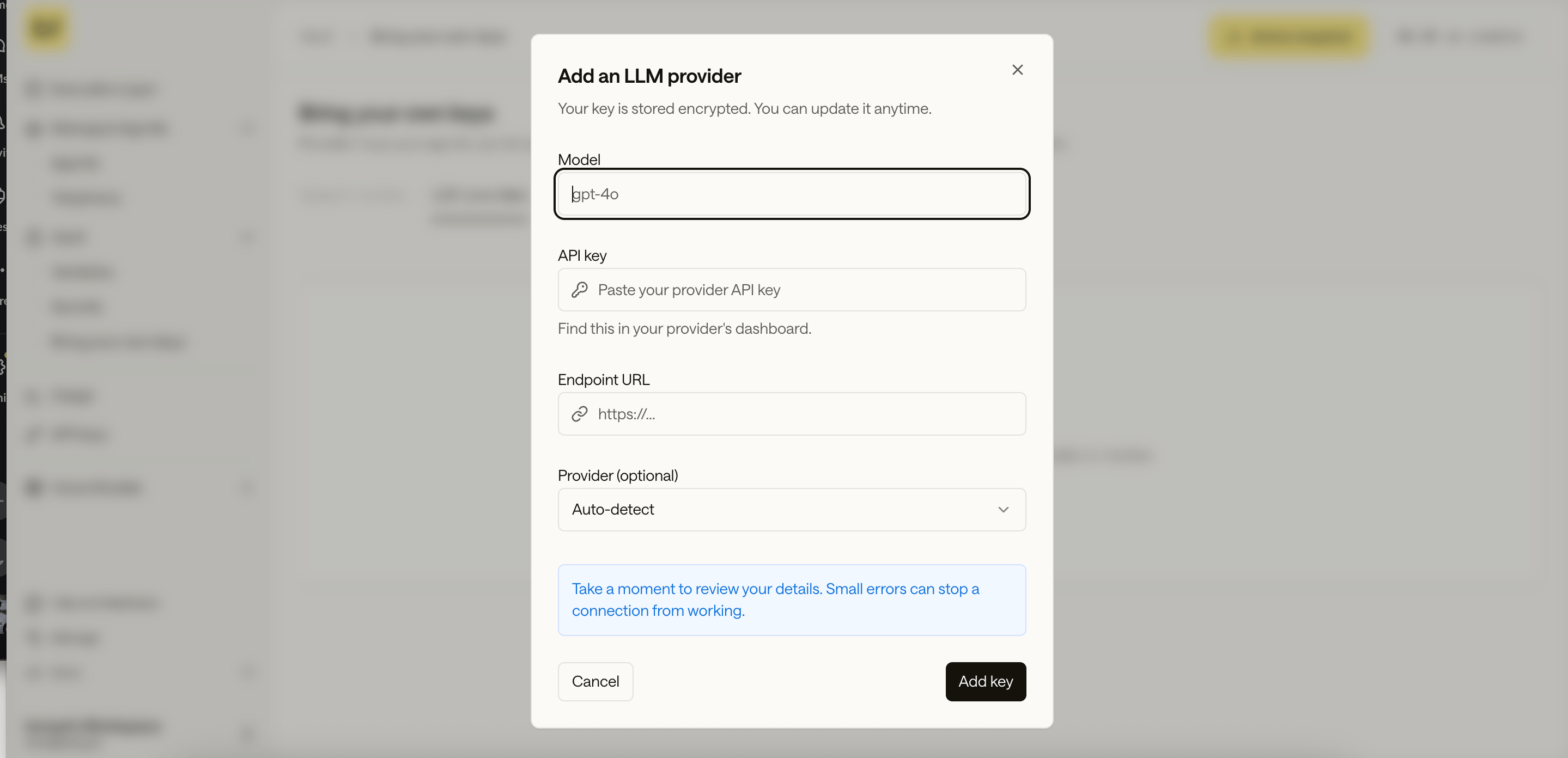
- SLNG BYOK LLM (the default). You decide the setup you prefer in SLNG — which models to use, in what order of preference your own endpoints and provider API keys — and SLNG configures it for your org. From then on
slng/autojust works and your requests carry nothing extra. - You send the configuration inline, per request, in an optional top-level body field called
slng_config. The request then runs against your own model endpoints, with your own provider API keys, exactly as described in the config you sent.
How does it work?
What gets stored per configEach BYOK config is tied to a region (India, Indonesia, Europe, US) Using it — no client key in the request
Once registered, the client calls SLNG’s normal OpenAI-compatible endpoint (
POST https://[region].context-router.slng.ai/v1/chat/completions) with just their SLNG_API_KEY as the bearer token same as any other request. There’s no field in the request body for the client’s own LLM key; SLNG resolves org identity from the SLNG API key and looks up the matching BYOK config server-side, the same way it already resolves agent/session scope.
Model selectionmodel: "slng/auto" (or a specific configured model name) routes through the org’s registered BYOK model instead of SLNG’s own hosted catalog. If a client’s custom model name collides with an SLNG catalog name, the client’s own model takes priority.